
New here? Follow the duck in three steps.
Find out how to play, save your progress and explore the courses. Start in your browser without installing Python.
Head home and start exploring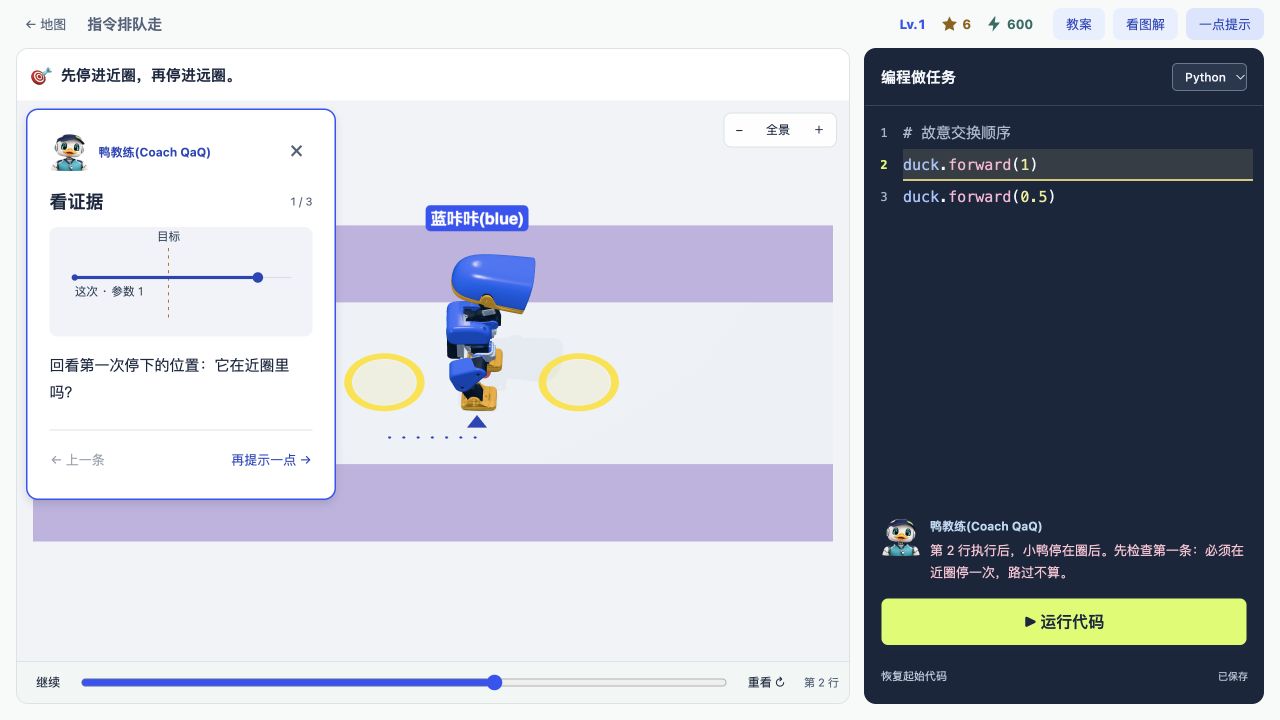
Start by making your duck move forward.
- 1
Open the map from home
Choose A1 Rookie Camp. Try the first seven lessons for free, with no registration required.
- 2
Read the goal, edit the code, run it
Each lesson tells you what to do. Edit real Python and watch your duck respond.
- 3
Save your progress
Guest progress stays on this device. Sign in to save your learning progress to your account.
Questions from children and parents.
Can I play if I have never coded before?
Yes. A1 starts with simple movement commands, then introduces sequences, parameters, loops and conditions.
Do I need software or a physical robot duck?
Current lessons run in a browser-based teaching simulation. No software installation or physical duck is required. Hardware courses are still being planned.
How do I continue after the free trial?
The first seven A1 lessons are free. Quarterly, annual and three-person team plans unlock all available lessons while the plan is active.